Here’s a problem most home service businesses face:
You charge the same price whether someone lives two minutes away or thirty minutes away.
That means you’re either losing money on far-away jobs or leaving money on the table with close-by customers.
There’s a better way.
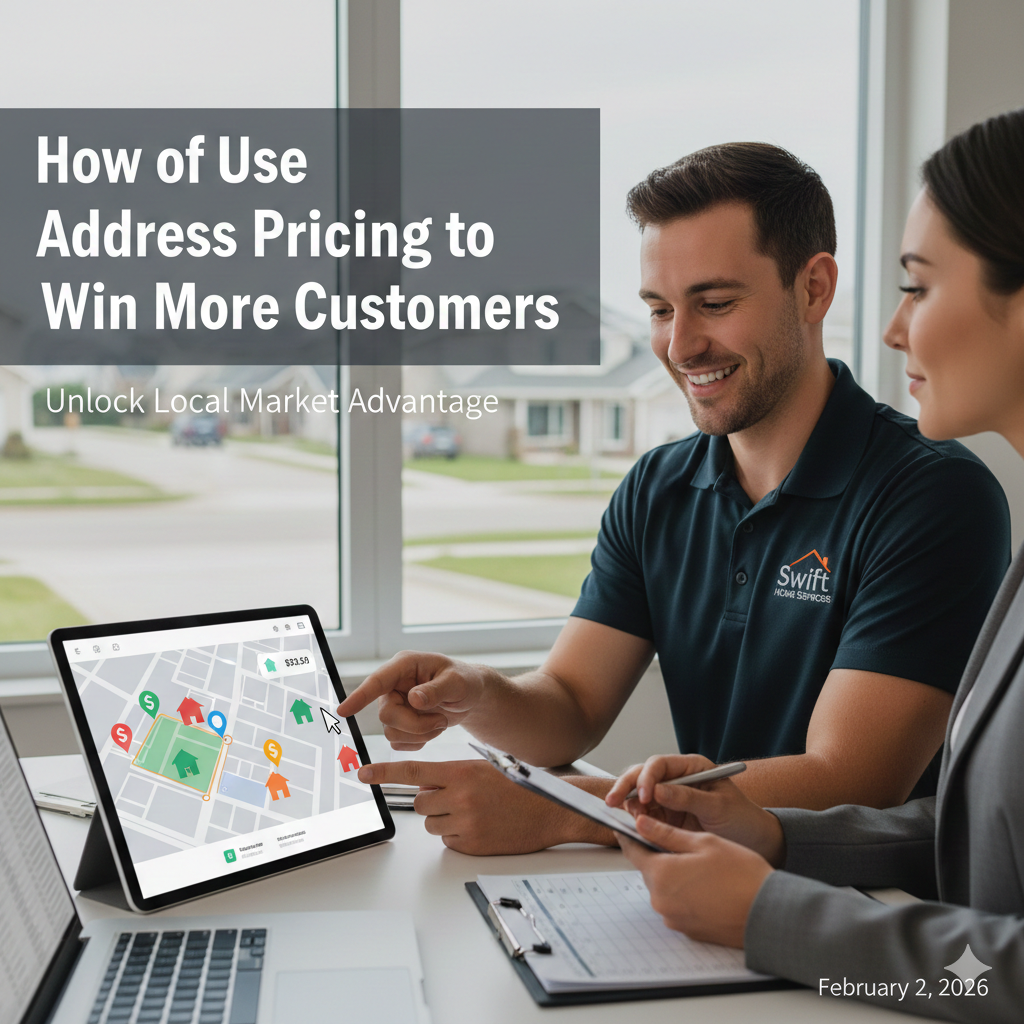
It’s called address based pricing, and it can help you win more work while protecting your profits.
What Is Address Based Pricing?
Address based pricing means charging different amounts based on where your customer lives.
It sounds simple because it is.
Think about it like pizza delivery.
Papa John’s doesn’t deliver 50 miles away.
And if they did, they’d charge you for it.
Your home service business should work the same way.
When you already have five lawn care customers on Oak Street, driving there costs you almost nothing.
But if someone calls from across town where you have zero customers, that drive costs real money.
Address based pricing lets you charge what makes sense for each area.
Why Home Service Businesses Need This
Let’s say you run trash can cleaning business.
You have 20 customers in the Riverside neighborhood.
Your truck goes there every week anyway.
Then someone from Riverside requests a quote.
You can offer them a great price because:
You’re already driving there
You can add them to an existing route
Your fuel cost doesn’t change
You waste zero drive time
Now someone from “Hilltop” (30 minutes away) requests a quote.
You have nobody in “Hilltop”.
If you charge the same price as Riverside, you lose money on gas and time.
Address based pricing fixes this.
You can be super competitive in Riverside and still profitable in Hilltop.
How My Service Area Makes This Easy
My Service Area (MSA) is software that lets you create different pricing zones on a map.
Here’s how it works:
Step 1: Build Your Service Zones
Open the map page in My Service Area. You’ll draw zones (also called service areas) right on the map.
Think of these like neighborhoods or territories.
You might create:
Zone A (Premium) – Your core area where you have lots of customers
Zone B (Standard) – Areas where you have some customers
Zone C (Extended) – Far away areas where you have few or no customers
For a lawn care business, Zone A might be neighborhoods where you already mow 15 lawns.
Zone C might be that fancy neighborhood 25 minutes away.
Step 2: Set Different Prices for Each Zone
Here’s where the magic happens. You have two options:
Option 1:
Redirect to Different Pricing Pages
Set up different pricing pages on your website.
Maybe:
Zone A pricing page shows $25 per service
Zone B pricing page shows $35 per service
Zone C pricing page shows $50 per service
When someone enters their address, MSA automatically sends them to the right pricing page.
They see prices that make sense for where they live.
You never lose money on a far-away customer.
Option 2:
Show Your Office Team Which Zone They’re In
Maybe you don’t show pricing online. That’s fine.
When a customer calls, your office employee enters the address into MSA.
The software shows them “Zone B” or “Zone C.”
Your employee knows exactly what to charge.
No guessing.
No accidentally pricing yourself too low.
Real Examples from Real Businesses
Trash Can Cleaning Business
A trash can cleaning company in Texas uses MSA to create five zones.
Their closest zone (where they have 40 customers) gets charged $18 per cleaning.
Their furthest zone gets charged $30.
Why?
That far zone requires a special trip.
But they can still be competitive there because they’re honest about their costs.
Result: They win more local customers with great pricing AND they don’t turn away distant customers who are willing to pay for the convenience.
Lawn Care Business
A lawn care business draws tight zones around neighborhoods where they already work and dominate.
These “route dense” areas get the best pricing.
When someone requests a quote in one of these zones, they can offer prices 10% – 20% lower than competitors.
Why?
Because their truck is already going there.
New neighborhoods get higher prices until they build up enough customers there.
Then those areas become premium zones too.
Pest Control Business
A pest control company creates zones based on drive time.
Anything within 15 minutes is Zone A.
15-30 minutes is Zone B.
Beyond 30 minutes is Zone C.
They charge $79 for Zone A, $99 for Zone B, and $129 for Zone C.
Customers understand that distance costs money.
Most people are fine with it.
How to Set Up Your Zones (Step by Step)
1. Look at your current customer map
Where do you already have lots of customers? Those are your best zones.
2. Draw zones in My Service Area
Open the map page. Draw shapes around your neighborhoods. Make Zone A your core area.
3. Calculate your real costs
How much does gas cost to reach each zone?
How much time?
Price accordingly.
4. Create your pricing pages
Make different pages for different zones.
Or train your office team on zone pricing.
5. Test and adjust
Start conservative.
You can always lower prices. It’s harder to raise them.
Common Mistakes to Avoid
Mistake 1:
Making zones too big Keep your premium zones tight.
Only areas where you’re truly route dense should get your best prices.
Mistake 2:
Not explaining the pricing If someone asks why their neighbor pays less, be honest. “We have 12 customers on their street, so our costs are lower there.”
Mistake 3:
Forgetting to update zones as you gain customers in new areas, those areas should become premium zones.
Update your map every quarter.
The Bottom Line
Address based pricing isn’t about charging people more.
It’s about charging what makes sense.
Close customers get great deals because serving them costs you less.
Distant customers pay fair prices that cover your real costs.
My Service Area makes this easy with zone mapping and automatic pricing.
You draw the zones, set the prices, and the software does the rest.
Stop leaving money on the table with nearby customers.
Stop losing money on far-away jobs.
Start pricing based on what it actually costs you to serve each area.
Your close neighbors will love your competitive prices.
Your distant customers will
appreciate your willingness to serve them.
And your business will finally make the profit it deserves.
Ready to set up address based pricing?
Open My Service Area, head to the map page, and start drawing your first zone.
It takes about 10 minutes and could change your whole pricing strategy.